ADA website compliance for restaurants: what owners need to know
If you own a restaurant, your website is covered by the Americans with Disabilities Act. Here is what that means, why restaurants are sued more than almost anyone else, and what to fix first.
Yes, the ADA covers your website
Title III of the Americans with Disabilities Act requires businesses open to the public to provide “full and equal enjoyment” of their goods and services to people with disabilities. In its web accessibility guidance, the U.S. Department of Justice says this applies to websites, and it lists food and drink establishments among the businesses that must comply.
That guidance was published in March 2022 and remains the DOJ’s position for private businesses. In April 2024, the DOJ went further for state and local governments and adopted a specific technical standard, WCAG 2.1 Level AA. Courts and settlements had already been using that standard for years, so it is the benchmark to plan around.
What “compliant” actually means
There is no ADA certificate for websites. Compliance means your site works for people with disabilities, and the accepted way to measure that is the Web Content Accessibility Guidelines (WCAG), published by the W3C.
- WCAG 2.1 Level AA is the version most often cited in lawsuits, settlements, and the DOJ’s 2024 rule.
- WCAG 2.2 Level AA, published in 2023, adds criteria about visible focus, target size, and authentication. Meeting 2.2 AA means you also meet 2.1 AA.
Practically, an accessible restaurant website is one where a guest using a screen reader, a keyboard, magnification, or captions can find your hours, read the menu, book a table, and place an order without help.
Why restaurants are sued so often
According to UsableNet’s analysis of 2025 filings, more than 5,000 digital accessibility lawsuits were filed in the United States in 2025, and food and service businesses made up roughly 21 percent of them. Most defendants were not large chains: 64 percent of the companies sued generate less than 25 million dollars in annual revenue.
The reason is structural. Restaurant websites depend on a few high-traffic features that break easily for assistive technology:
- Menus, often published as PDFs or images
- Online ordering, usually a third-party widget
- Reservations, another third-party widget
- Location, hours, and phone numbers, sometimes hidden inside images
Each of those is a place where a guest can get stuck, and each is easy for a plaintiff’s firm to test.
More than 1 in 4 U.S. adults have some type of disability, according to the CDC. That includes 5.5 percent with a vision disability, 6.2 percent with a hearing disability, and 13.9 percent with a cognitive disability. These are your guests, not an edge case.
The six barriers the DOJ calls out
The DOJ guidance names six common problems. Here is what each one looks like on a restaurant website.
- Poor color contrast. Light gray specials on a cream background, or white text over a photo of the dining room.
- Using color alone to convey information. A red dot for “spicy” with no text, or a green button state with no label.
- Missing text alternatives on images. Dish photos, the logo, and the “order now” image button with no alt text.
- No captions on video. The kitchen reel on your home page with no captions.
- Inaccessible online forms. Reservation fields without labels, and errors that only change the border color.
- Mouse-only navigation. Ordering modals and dropdowns that cannot be reached with the Tab key.
Menus: the biggest single issue
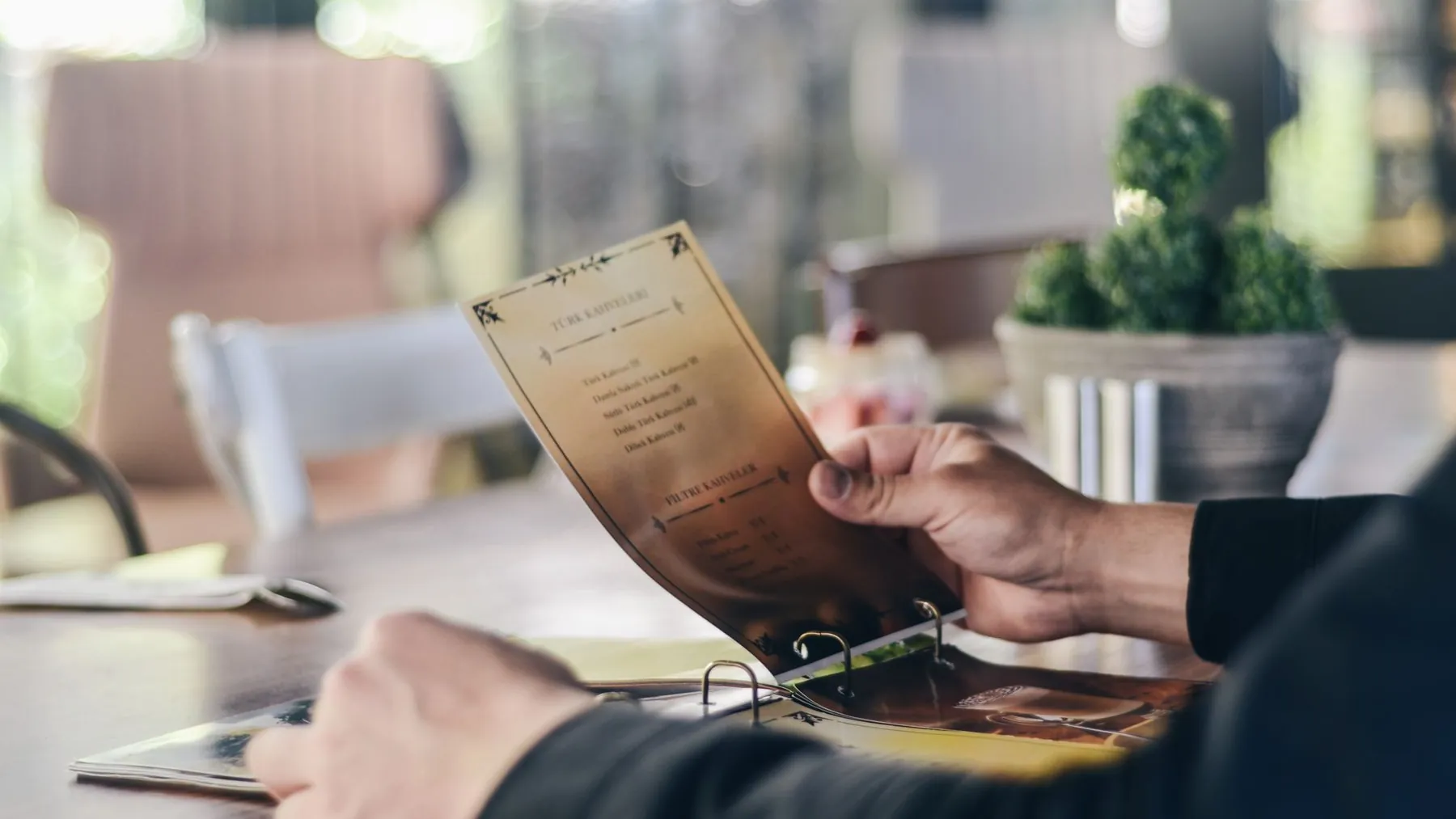
Most restaurant menus online are PDFs or photos of the printed menu. A screen reader cannot read a photo, and most PDFs exported from design tools have no readable structure. Guests on phones cannot resize them either.
The fix is a real web page: headings for sections, text for items and prices, and a layout your staff can update. It is also better for search engines, which cannot read your PDF any better than a screen reader can.
Ordering and reservations you did not build
Third-party platforms are still your guest’s experience, and lawsuits name the restaurant. Test the full flow: choosing an item, changing quantities, entering payment, and reading the confirmation. Ask your vendor for an accessibility conformance report (a VPAT). If the platform cannot be made accessible, that is a reason to switch.
Do accessibility overlays work?
Overlays and widgets promise compliance with one line of code. UsableNet’s 2025 data shows an increasing number of lawsuits explicitly referencing accessibility widgets while alleging unresolved barriers in the code, and no meaningful reduction in lawsuits against widget users. Overlays do not change the underlying site, and they can interfere with the assistive technology guests already use. Fix the code instead.
What a good audit includes
- Testing of every page and flow, including third-party ordering and reservations
- Automated scans plus manual testing with a keyboard and a screen reader
- Findings mapped to WCAG criteria, rated by severity, written in plain English
- Specific fixes, not just a list of failures
- A re-test after fixes, with documentation you can keep
If you receive a demand letter
Do not ignore it, and do not install a widget in a panic. Contact your attorney, then get a documented audit and a remediation plan quickly. Showing good-faith, dated progress toward WCAG conformance is usually what counsel needs first.
A starter checklist for restaurant owners
- Your menu is real text on a web page, not a PDF or image.
- Every image has alt text, and decorative images are marked as such.
- Text over photos has enough contrast to read, or sits on a solid background.
- Every button and form field has a visible label.
- You can order and book a table using only the keyboard.
- Error messages say what went wrong in words.
- Videos have captions.
- Hours, address, and phone number are text, not part of an image.
- Pop-ups can be closed with the keyboard and do not trap focus.
- Your site has an accessibility statement with a way to report problems.
If you want a second set of eyes, our ADA compliance for restaurants service starts with an audit that covers all of this.
Sources
- U.S. Department of Justice, Guidance on Web Accessibility and the ADA (March 18, 2022)
- UsableNet, ADA Web Lawsuit Trends for 2026: What 2025 Filings Reveal
- Centers for Disease Control and Prevention, Disability Impacts All of Us
- W3C, Web Content Accessibility Guidelines (WCAG) 2.2
Common questions
Is there a specific law that says restaurant websites must be accessible?
Title III of the ADA requires businesses open to the public to provide full and equal access to their goods and services. The Department of Justice has said this applies to websites and lists food and drink establishments among the businesses covered. There is no separate web statute for private businesses yet, which is why courts rely on WCAG as the measure.
What is the difference between WCAG 2.1 and 2.2?
WCAG 2.2, published in 2023, adds a handful of criteria on top of 2.1, mostly about focus visibility, target size, and easier authentication. Meeting 2.2 AA means you also meet 2.1 AA. Lawsuits and settlements still mostly cite 2.1 AA.
How much does an accessibility audit cost for a restaurant?
It depends on the number of pages and the platforms involved, particularly online ordering and reservations. Ask for a fixed quote after a short review of your site. Be wary of anyone who quotes a price without looking.
Can I be sued if I use a third-party ordering platform?
Yes. The guest's experience starts on your site, and lawsuits name the restaurant, not the vendor. Test the flow end to end and ask your vendor for their accessibility conformance report.